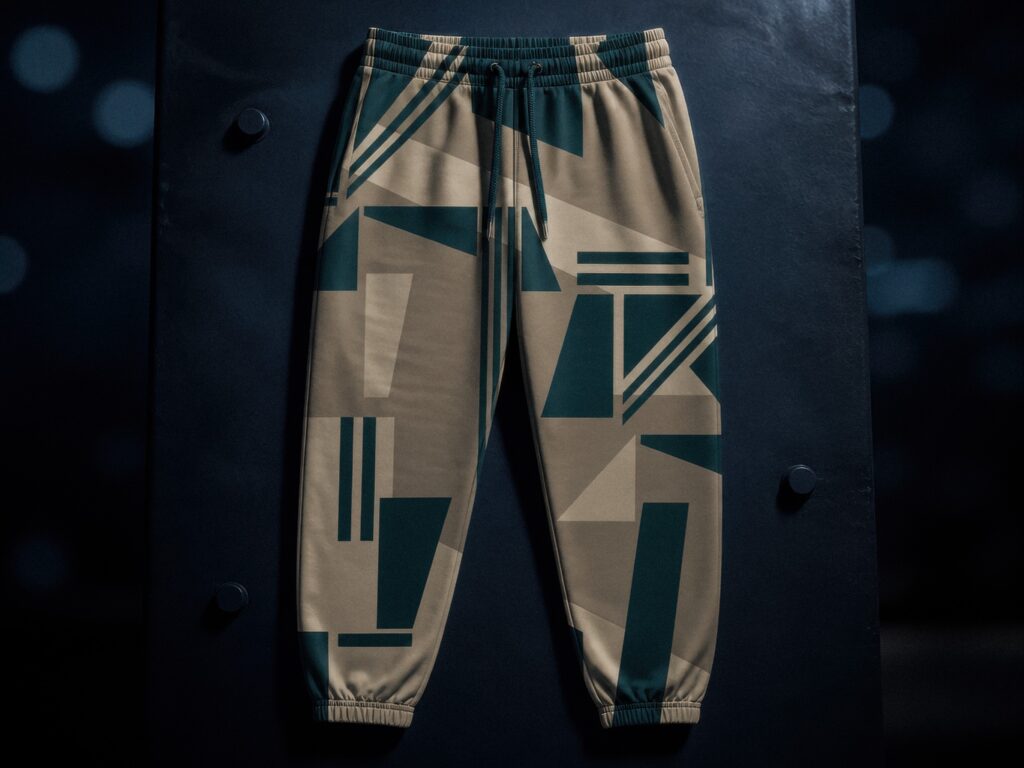













A Shopify print on demand setup has five parts: connect your Shopify store to an on-demand production partner, add your products and artwork, run one test order, check pricing and shipping, and launch with white-label dispatch. With Fabrixa there is no minimum order (MOQ 1), no setup fee and no contract, so the first real order can be a single piece.
The steps below show what each part involves and what to check before your first customer orders.
How the Shopify flow works
Once your store is connected, the path from checkout to doorstep runs without manual hand-offs. A customer orders on your Shopify store, the order routes to production, Fabrixa prints, packs and ships it, and the parcel arrives under your brand. You manage sales channels, designs, production and dispatch from one dashboard.
Step 1: Connect your Shopify store
Start by linking your storefront to Fabrixa so orders flow into production the moment they are placed. Shopify and WooCommerce are the two store connections; a custom API is available if you are building something bespoke. The full walk-through of the connection itself: connecting Shopify or WooCommerce to EU production.
Step 2: Choose products and add your artwork
Pick the products you want to sell: apparel such as T-shirts, hoodies, sweaters, joggers and dresses, or home textiles such as duvet covers, cushions and curtains. Then send your artwork as a PDF, TIFF, JPG or PNG. Fabrixa creates the correct print files for the product and fabric base, so you do not need to prepare production files yourself.
If you want shoppers to personalise products on your store, Fabrixa Studio is an embeddable customiser that sits on your storefront as an iframe. The finished design attaches to the order automatically. Where it fits in the platform: the Fabrixa platform overview.
Step 3: Run a test order
Before you promote anything, order one piece yourself. Because the minimum order is 1, a test costs one unit rather than a production run. Check how the colour looks on the fabric, how the print feels and how the parcel arrives. Reactive printing resolves differently on different cotton bases, so a sample is the quickest way to confirm your choice. Apparel made in Portugal typically ships in roughly 6–9 business days.
Step 4: Check pricing and shipping
With no bulk purchase and no unsold stock, your fixed cost is the unit price of what a customer actually buys. Set your retail price above that unit cost plus shipping, payment fees and your own margin. Per-unit pricing by product: the Fabrixa pricing page.
Step 5: Launch with white-label dispatch
Parcels ship under your brand with your return address, and end customers never see Fabrixa branding. That is standard, not an add-on, and it applies from your first order to your thousandth.
Shopify setup checklist
- Store connected: your Shopify store is linked and a test product is visible in your Fabrixa dashboard.
- Products chosen: a focused range you can describe in one sentence.
- Artwork sent: PDF, TIFF, JPG or PNG for each design.
- Test order placed: one piece ordered, received and checked for colour, feel and packaging.
- Pricing set: retail price covers unit cost, shipping, fees and margin.
- Branding confirmed: white-label dispatch checked before real customer orders ship.
Frequently asked questions
Do I need a minimum order to set up print on demand on Shopify?
No. With MOQ 1 you can list a product, sell one and have it produced and shipped without ordering in bulk first. There are no setup fees or contracts either.
Do I need print-ready files?
No. Send your artwork as a PDF, TIFF, JPG or PNG and Fabrixa creates the correct print files for the product and fabric.
Where is my order produced?
Production is across Portugal, Spain and the Netherlands: reactive printing on cotton and linen in Portugal and Spain, and sublimation on polyester in the Netherlands.
Can customers personalise products on my Shopify store?
Yes. Fabrixa Studio is an embeddable customiser that runs on your storefront, and the saved design attaches to the order.
Ready to connect your store?
The quickest way to find out how it works is to place one test order. For the technical detail behind the connection: the integration guide. For help with your own setup: talk to our team.