













01
Connect
Connect your shop
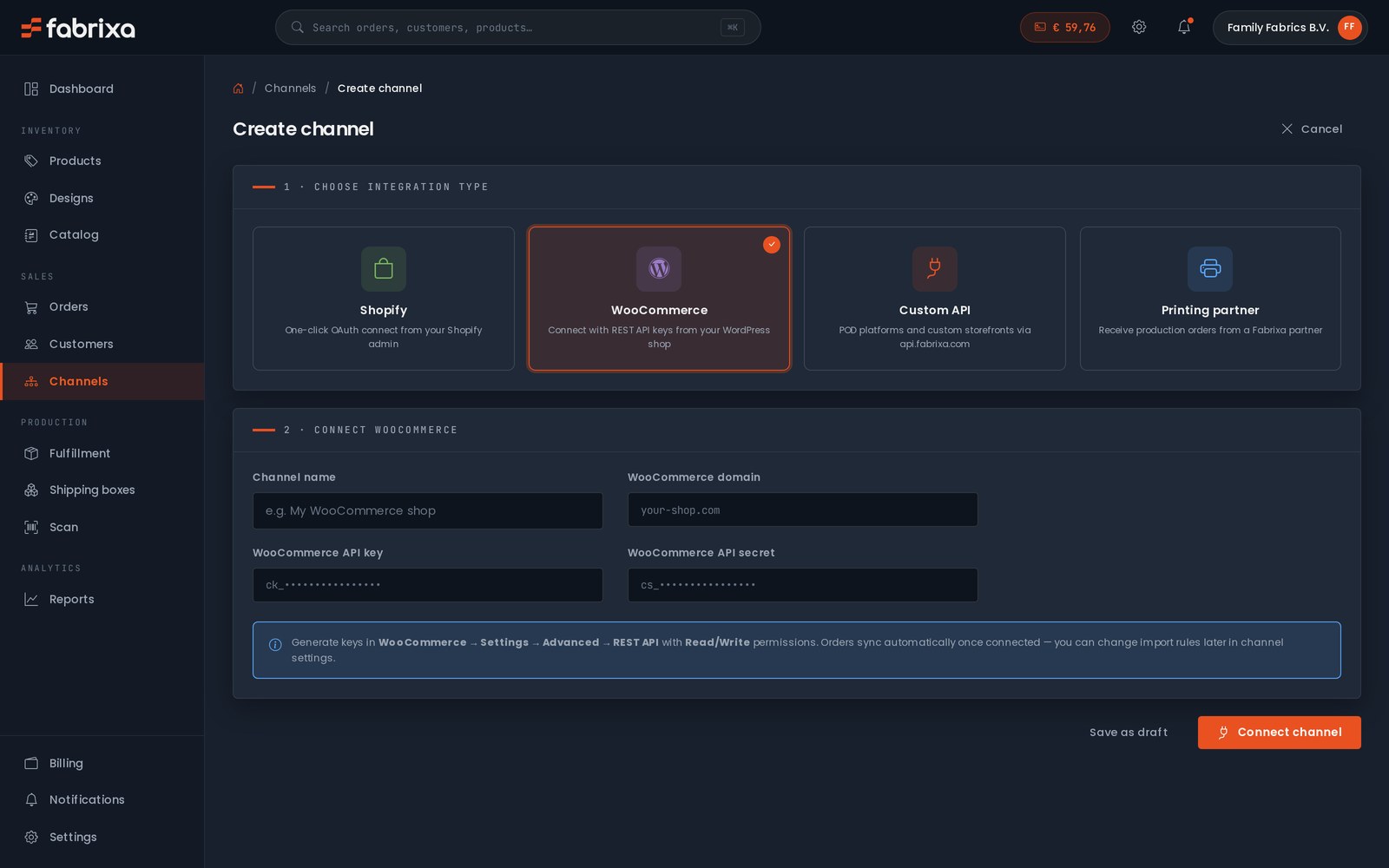
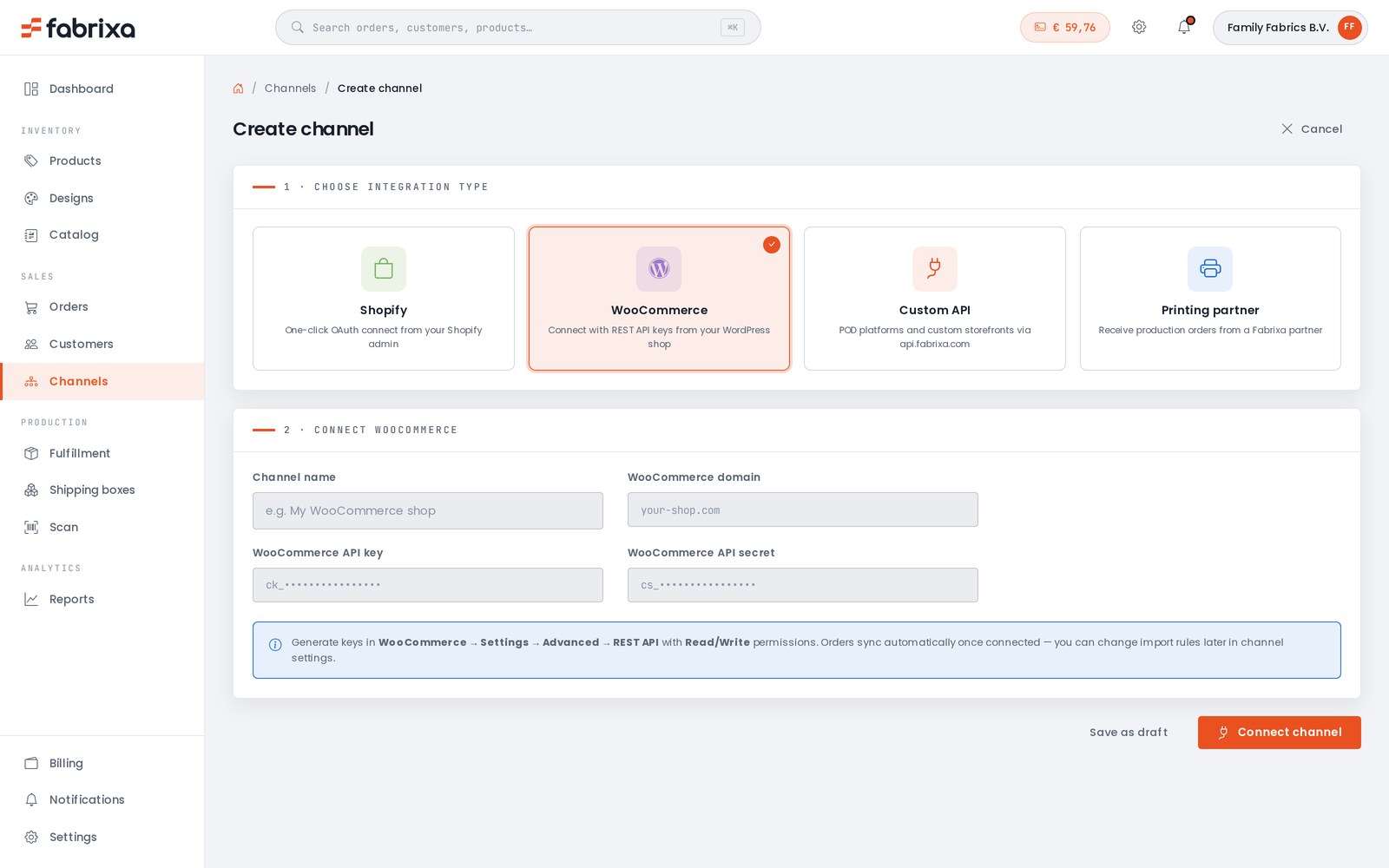
Link your Shopify or WooCommerce store, or build straight onto the API. Orders import on their own.

Connect the shop you already run, design your products in Fabrixa Studio, or power your own POD platform through our API — and we print, pack and ship every order. From 1 piece to 100,000 — no minimums, no setup fees, no contracts.
A print partner usually means a PDF price list and an email address. Every order is a message, every change is a thread, every status update is a question you have to ask.
Fabrixa works differently. The platform is the product: connect once, and your orders, designs, production and shipping all run through a single dashboard. Reactive print is the engine — the platform is how you drive it.


Set it up once. After that, every order that lands in your shop flows through to production without you lifting a finger.
Link your Shopify or WooCommerce store, or build straight onto the API. Orders import on their own.
Open Fabrixa Studio, drop your artwork onto a real product template, and set it to print.
Publish to your channels with your own SKU and price. Sell one or ten thousand — the platform doesn’t mind.
Reactive-printed in the EU, packed in your box, shipped to your customer. You watch it happen.
Run a Shopify store? A WooCommerce site? Building your own? Connect it once and orders import automatically — no copy-paste, no exports, no missed orders.
Need to place something by hand — a sample, a one-off, a wholesale order? Create it straight from the dashboard. Every order, from every channel, lands in the same list.
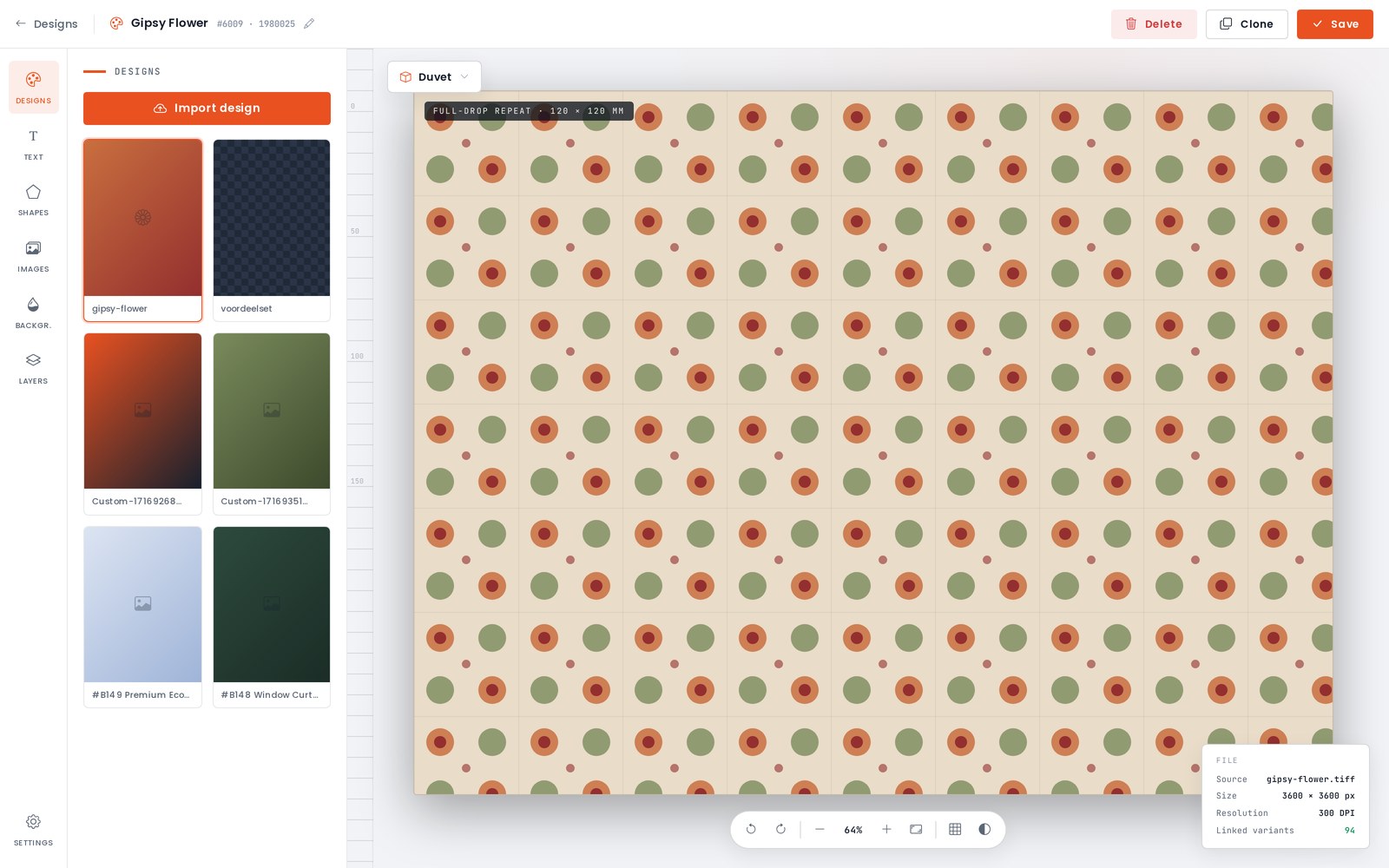
Fabrixa Studio is a full design canvas in your browser. Upload your artwork, add text, shapes and backgrounds, work in layers, and set repeats and tiles across the whole product. Switch between product templates — duvet, pillow, towel and more — all at real print dimensions. No design software, no setup files.
And there is no minimum. Design one product and order exactly one — a sample, a prototype, a single piece for a customer. MOQ 1 is not a promotion; it is how the platform works.
Drop the Fabrixa Studio design widget straight onto your store — your logo, your colours, your brand. Your customers personalise the product; you and Fabrixa handle the rest.

Start from a Fabrixa base product, choose the fabric base, the quality and the sizes, and the platform builds every variant for you. Set your own SKU and your own selling price — your margin is yours to decide.
When it’s ready, push it straight to your connected shop. Three steps and the product is live and sellable.
Overview → Customise → Set prices


Pick the product, tick the sizes you want to sell and put your design on them — make it once and the platform offers to apply it to the other sizes. Then set your retail price: you see the base price, what you keep per piece and what that is as a percentage — across the board or per variant.
Name it, describe it, pick the listing images from your own designs, and publish. It lands in your connected shop with your slug, your categories and your SKUs — and you can change any of it afterwards.
Variants & designs → Price & details → Publish


Not every order comes in through a shop. Pick the customer or add a new one, add the items — a whole size run in one go, with the right design already on each variant — and every line prices itself as you go.
The platform keeps you honest: an item without a print-ready design cannot be ordered, and it says so before you reach the checkout. After that it splits the order into shipments by production country, applies the right VAT and takes it from your balance.
Customer → Items → Ship & pay


The same flow, addressed to you. One piece per size, from the same catalogue, the same cloth and the same production line as a customer order — because MOQ 1 applies to you too.
Before you confirm you see exactly where the money goes: the pieces, a shipment per production country with its own carrier and rate, the VAT that applies, and what comes off your balance. Place it and it is tracked per shipment, like any other order.
Samples → Confirm


Every order sits in one list with live production and fulfilment status. Print files generate automatically the moment an order is accepted — no prepress, no back-and-forth.
Production, packing and shipping all happen for you — every order is tracked end to end and the updates land back in your dashboard automatically. When something needs your attention, it tells you. When it doesn’t, it just runs.


A timeline from accepted to delivered, the boxes with the country they are made in and the carrier that takes them, and every item with the design file that went to print.
Beside it the money: what the order cost you, what shipping and VAT came to, what your customer paid and what you kept. Below it every event with a timestamp — paid, accepted, batch started — so you never have to ask where an order stands.


Everything around the orders, in the same place as the orders.
Sales by order, item and channel. Product and variant performance. Export it all to CSV or Excel whenever you need it.
Pay for each order when you place it, or run on a prepaid balance: top up your account, and production, printing and shipping draw down as orders flow. Every transaction, invoice and payout is visible — no subscription, no lock-in.
See pricing →Invite your team with the access that fits — owner, admin, designer, finance, or roles you define yourself. Sign in with Google, Microsoft or Apple.
Compare production country and customs, print method, minimum order, white-label dispatch, certifications and whether you can see the price before you register.
See the comparison →It is when your retail price exceeds the landed cost per piece; the guide works one T-shirt from retail price to margin with live prices.
Read the guide →Low start-up risk and MOQ 1, against a per-piece price that a large screen-printed run of one design can undercut, and a dispatch window of 2 to 10 business days.
Read the guide →Choose Fabrixa because the platform is the product: connect once, and your orders, designs, production and shipping all run through a single dashboard. Link Shopify or WooCommerce, design in Fabrixa Studio, or power your own POD platform through the API, and Fabrixa prints, packs and ships every order white-label from the EU. From 1 piece to 100,000, there are no minimums, no setup fees and no contracts.
Reactive print is the engine, and the platform is how you drive it. Orders are reactive-printed in the EU, packed in your box and shipped to your customer. Print files generate automatically once an order is accepted, and an item without a print-ready design cannot be ordered. You can order one piece per size for yourself, made on the same cloth and production line as a customer order.
Every order, from every channel, lands in the same list with live production and fulfilment status. Design in Fabrixa Studio, set your own SKU and selling price, or create an order by hand from the dashboard. Invite your team as owner, admin, designer or finance. You pay per unit at the tier price shown in the dashboard, drawn from a prepaid balance with no subscription. See pricing.
Fabrixa Studio is a browser-based design canvas for creating printable products on the Fabrixa platform. Customers upload artwork, add text, shapes and backgrounds, work in layers, and set repeats and tiles across product templates such as duvets, pillows and towels, all at real print dimensions. No design software or separate setup files are needed.
Yes, the Fabrixa Studio design widget can be embedded directly on a customer’s own store, using that store’s logo and colours instead of Fabrixa’s branding. End customers personalise the product themselves through the embedded widget, while Fabrixa handles production and fulfilment behind the scenes. The widget works alongside the standard Shopify and WooCommerce integrations.
You pay for each order when you place it, or run on a prepaid balance: top up the account, and production, printing and shipping costs draw down from that balance automatically as orders flow in. Every transaction, invoice and payout stays visible in the dashboard at all times. Reports also break down sales by order, item and channel, exportable to CSV or Excel.
Fabrixa lets an account holder invite team members with different access levels: owner, admin, designer and finance, or custom roles the account defines itself. Team members sign in with Google, Microsoft or Apple rather than a separate Fabrixa password. This access sits alongside the same dashboard used for orders, designs and billing.
Yes, the customer sets their own selling price and SKU for every product built on the Fabrixa platform, with the margin entirely up to them. Fabrixa provides the base product, fabric options, sizes and variants, building each variant automatically once selected. The finished product can then be pushed straight to a connected sales channel in three steps.
Yes, Shopify is a native integration: connect the store once and every order imports automatically, with production status and tracking flowing back to the order. You design the products in Fabrixa Studio on real product templates, publish them with your own SKU and price, and Fabrixa prints, packs and ships each order white-label from the EU. WooCommerce works the same way, and the REST API covers custom platforms.
Register on the platform, link your Shopify store from the dashboard and orders start importing on their own, without exports or copy-paste. Then open Fabrixa Studio, place your artwork on a product template and publish the product to your channel with your own SKU and price. From that point every order that lands in your shop flows straight into production and ships white-label to your customer, while you follow the status in the dashboard.
Yes, Shopify is one of four channels. WooCommerce has the same native integration, custom platforms connect through the REST API with webhooks, and you can create any order by hand from the dashboard, for a sample, a one-off or a wholesale order. Every order from every channel lands in the same list with live production and fulfilment status.
The platform itself costs nothing: no platform fee, no subscription, no integration fee and no annual minimum. You pay per unit at the tier price shown in the dashboard, plus shipping itemised at checkout, and the per-unit price steps down automatically as your monthly volume grows.
A printed T-shirt currently starts at €19.95 per unit.
You pay for each order when you place it in the platform, or top up a prepaid wallet; unused wallet balance is refundable.

Create your account and place your first order today — one piece, no minimum. Or talk to our team about onboarding a larger operation.
Our minimum order is 1, across everything.
Read the answer →We can't advise on your own VAT registration or the EU One-Stop Shop (OSS); that has real cost attached, so please check your own obligations with your accountant.
Read the answer →If you bought from an online shop and have a question about your order, please contact the shop you ordered from — they handle your order and customer service directly.
Read the answer →All 22 answers on Ordering, pricing & billing → Ask our support team →
