01
IMAGE UPLOAD
Drag-drop upload of PNG, JPG, SVG, AI, PSD. Auto-conversion to print-ready format. Resolution warnings if customer artwork is too low for the chosen product.

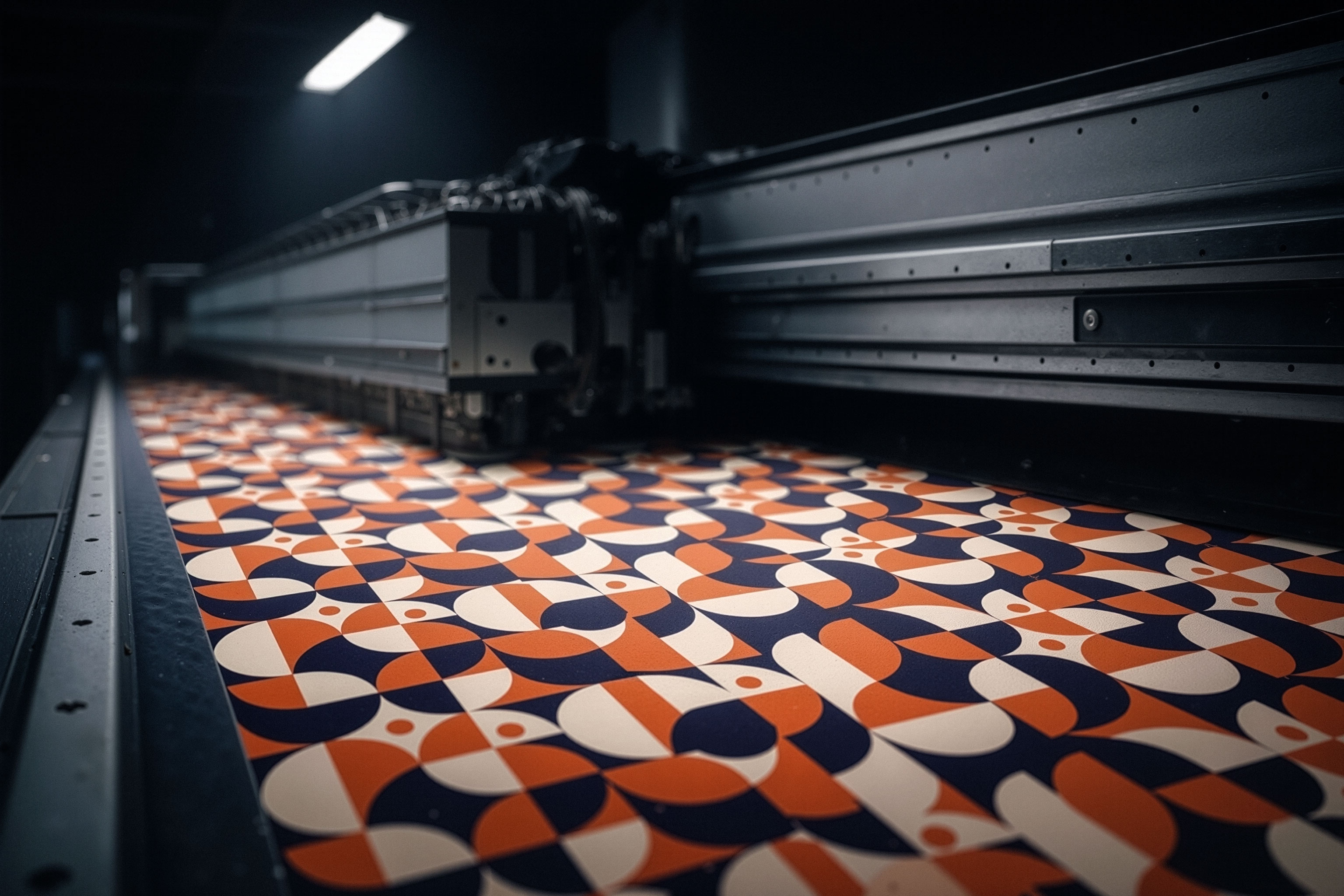
Embeddable JavaScript SDK. End customers customise their own artwork — upload images, add text, position, crop — on your product page, in your branding. When they save, the SDK returns a print-ready artwork URL you feed straight into the order endpoint. No iframe, no redirect, no Fabrixa branding visible to the end customer.
EMBEDDED JS · THEMABLE · EVENT HOOKS · FRAMEWORK-AGNOSTIC
The SDK renders a customisation canvas inside any DOM element you give it. End customers can upload artwork files, add text layers, position and crop, preview against the chosen product. On save, the SDK uploads the composed artwork to Fabrixa storage and returns the artwork URL via a callback — ready to pass into the order API.
Drag-drop upload of PNG, JPG, SVG, AI, PSD. Auto-conversion to print-ready format. Resolution warnings if customer artwork is too low for the chosen product.
Editable text layers with brand-pre-selected fonts. Colour picker constrained to brand palette if you specify one. RTL languages supported.
Live preview of the artwork on the chosen product (T-shirt, hoodie, cushion, etc.) using product mockups. Customers see what they’ll receive.
Visual guides showing print-safe zones, bleed areas, fold lines on multi-panel products like duvet covers. Customers can’t place artwork outside printable area.
On save, SDK composes the design, uploads to Fabrixa storage, returns a stable URL. Pass it as artwork_url in the order request.
JS event callbacks for canvas-ready, layer-added, save, error, etc. Wire up your own analytics, A/B tests, or onboarding flows.
Framework-agnostic. The SDK is plain JS — works in React, Vue, Svelte, plain HTML, server-rendered Rails templates, anywhere.
<!-- Add to your product page -->
<script src="https://sdk.fabrixa.com/editor/v1/sdk.js"></script>
<div id="fbx-editor" style="height:600px"></div>

<script>
const editor = FabrixaEditor.init({
  container: "#fbx-editor",
  api_key: "pk_live_yourPublicKeyHere",
  product_id: "prod_tee_unisex_aop",

  // Theme to your brand
  theme: {
    primary_color: "#E95121",
    font_family: "Inter, system-ui",
    border_radius: "4px"
  },

  // Callbacks
  on_save: (artwork) => {
    // artwork.url is the print-ready URL — feed into order API
    console.log(artwork.url, artwork.thumbnail_url);
  }
});
</script>
The api_key here is the public key — safe to ship in browser code. It only authorises the editor canvas; placing actual orders requires your secret key on your backend.
Theming is opinionated — primary colour, font family, border radius, plus a few surface tones. The editor doesn’t expose every CSS variable on purpose; consistency across customer sites matters more than full skinning.
theme: {
  // Brand colours
  primary_color:        "#E95121",   // CTAs, active states
  background_color:     "#FFFFFF",   // canvas background
  surface_color:        "#F4F4F4",   // panels, layer list
  text_primary:         "#18202D",
  text_secondary:       "#5C6573",

  // Typography
  font_family:          "Inter, system-ui, sans-serif",
  font_family_mono:     "JetBrains Mono, monospace",

  // Shape
  border_radius:        "4px",
  button_style:         "solid",        // "solid" | "outline"

  // Behaviour
  show_powered_by:      false,         // hide "Powered by Fabrixa" footer
  enable_text_layers:   true,
  enable_image_upload:  true,
  max_canvas_size:      { width: 4096, height: 4096 }
}
Every meaningful editor state change emits a JS event. Subscribe at init time or attach later via editor.on().
const editor = FabrixaEditor.init({ /* ... */ });

// Editor mounted and rendered
editor.on("ready", () => analytics.track("editor_open"));

// Layer added (image, text)
editor.on("layer.added", (layer) => {
  analytics.track("editor_layer_added", { type: layer.type });
});

// Customer hit the save button
editor.on("save", (artwork) => {
  // Forward to your backend to create the actual order
  fetch("/api/orders", {
    method: "POST",
    body: JSON.stringify({
      artwork_url: artwork.url,
      product_id: "prod_tee_unisex_aop",
      size: selectedSize
    })
  });
});

// Errors (file too small, upload failed, etc.)
editor.on("error", (err) => {
  // err.code is a stable string — switch on it
  console.error(err.code, err.message);
});
The SDK uses a public key that’s safe to ship in client code. It can render the canvas, accept uploads, and produce a print-ready artwork URL — but it can’t place an order, query account billing, or read other customers’ artwork. Order placement happens on your backend with your secret key.
Editor SDK access is enabled per account. Once you’ve placed your first production order, you can request SDK access from the dashboard or by contacting a solutions engineer. We provision public + secret keys, plus a sandbox environment to develop the integration against before it touches real orders.
Pricing varies by SDK volume tier. Talk to sales for specifics.

Talk to a solutions engineer to provision SDK keys, set up your sandbox environment, and walk through any custom canvas requirements. SDK access turnaround is typically 24h after a brief review.
 English English
  Nederlands
 Français
 Deutsch
 Italiano
 Português
 Español
 Українська